RECORDYN
A private, local-first tool for documenting what happened, preserving supporting evidence, organizing important details, and building a structured incident record for later review.
Built for real-world incidents
RECORDYN supports multiple incident types so users can create a clear record without forcing every situation into the same template.
Guided documentation
Capture incident-specific details such as location, people involved, witnesses, conditions, damage, authorities, statements, and supporting notes.
Evidence management
Add photos, videos, documents, and supported voice notes. Evidence records can include identifiers, file metadata, and SHA-256 integrity fingerprints.
Professional records
RECORDYN Pro can generate structured PDF reports and organized evidence packages for user-controlled export and sharing.
Location with accuracy
When the user chooses to capture location, RECORDYN stores the location details together with Android-reported accuracy information.
App lock
Optional biometric or device-credential protection can help keep incident records private on the device.
Local-first privacy
No RECORDYN account or automatic cloud storage is required for incident documentation. Users control when files are exported or shared.
RECORDYN Pro
RECORDYN is free to download. Core incident capture and evidence organization remain available without a subscription. RECORDYN Pro unlocks professional reporting and packaging features through a one-time Google Play purchase.
Current U.S. launch price: $14.99.
Privacy & local storage
Incident records and evidence are stored locally on the device by default. Users choose when to capture location, record audio, add media or documents, export reports, or share files.
Read the full RECORDYN Privacy Policy →Watch the full feature walkthrough
Every RECORDYN feature, explained in about five minutes — narrated start to finish.
See RECORDYN in action
Real screens from the live app — dark, calm, and private by design.
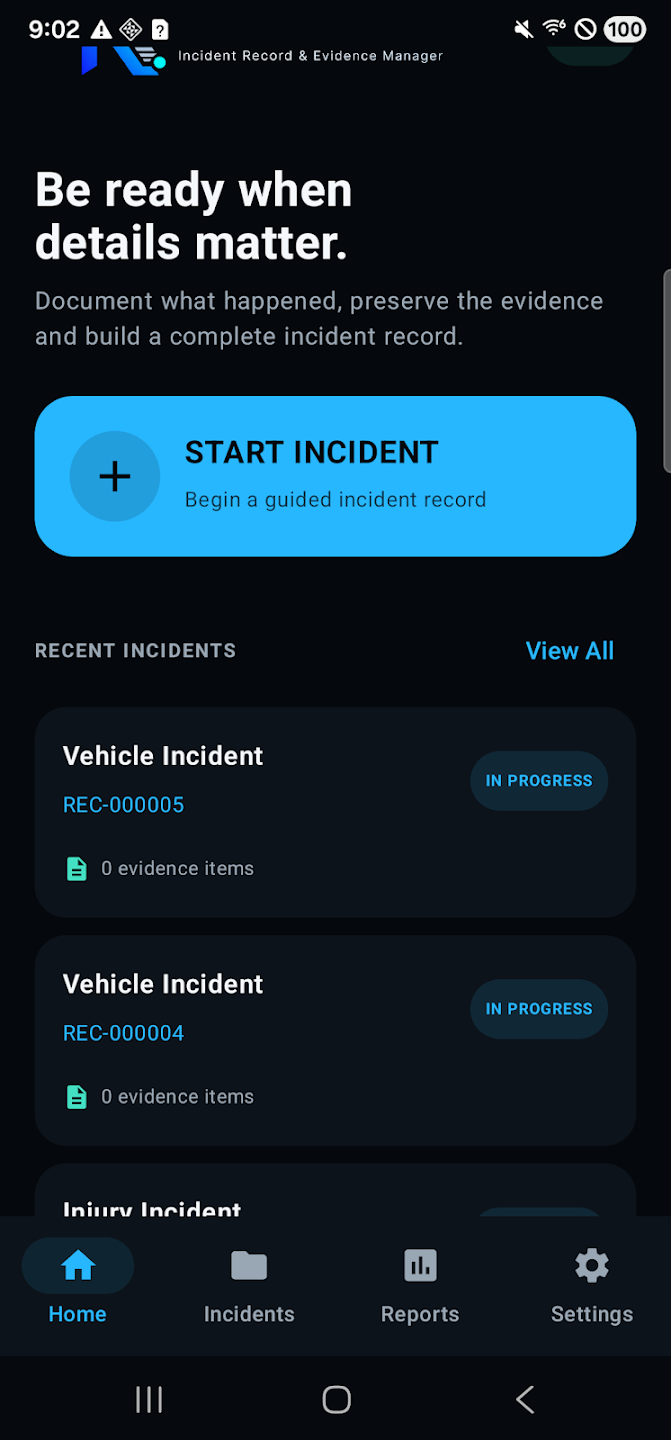
Be Ready When Details Matter
Start a guided incident record in seconds.
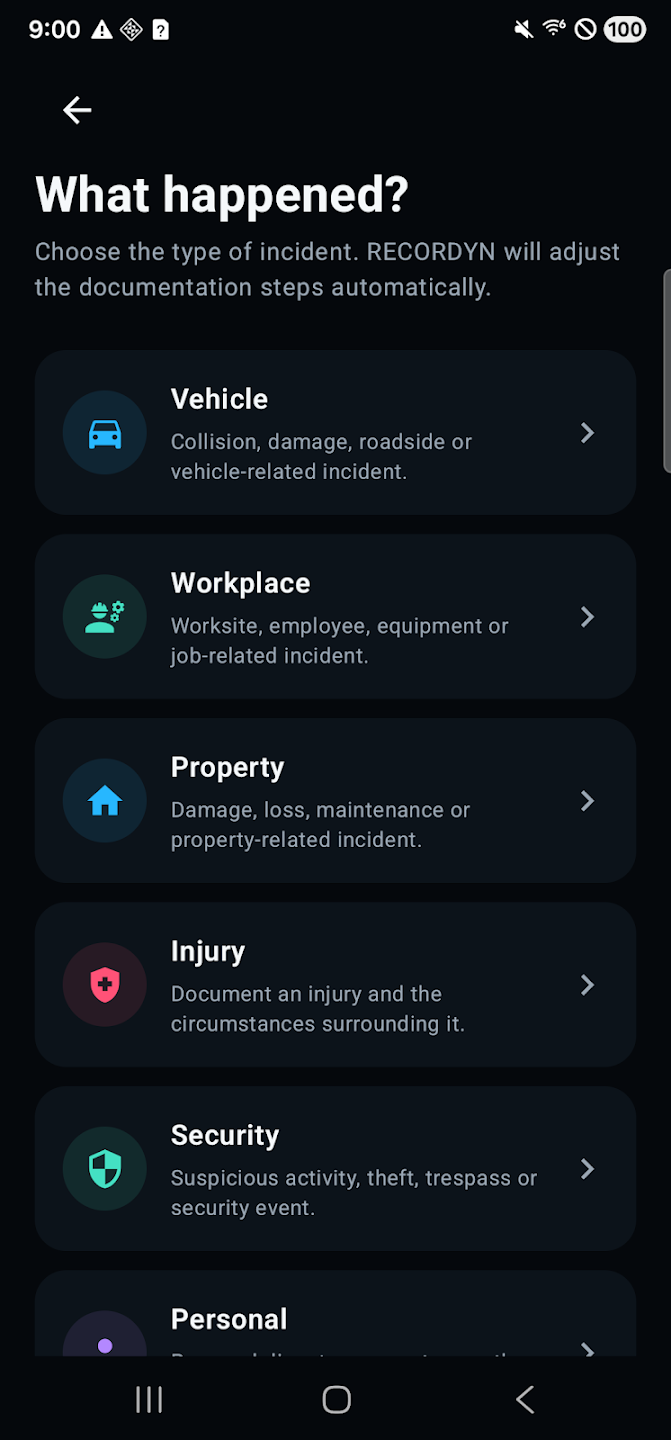
What Happened?
Six incident types; steps adjust automatically.
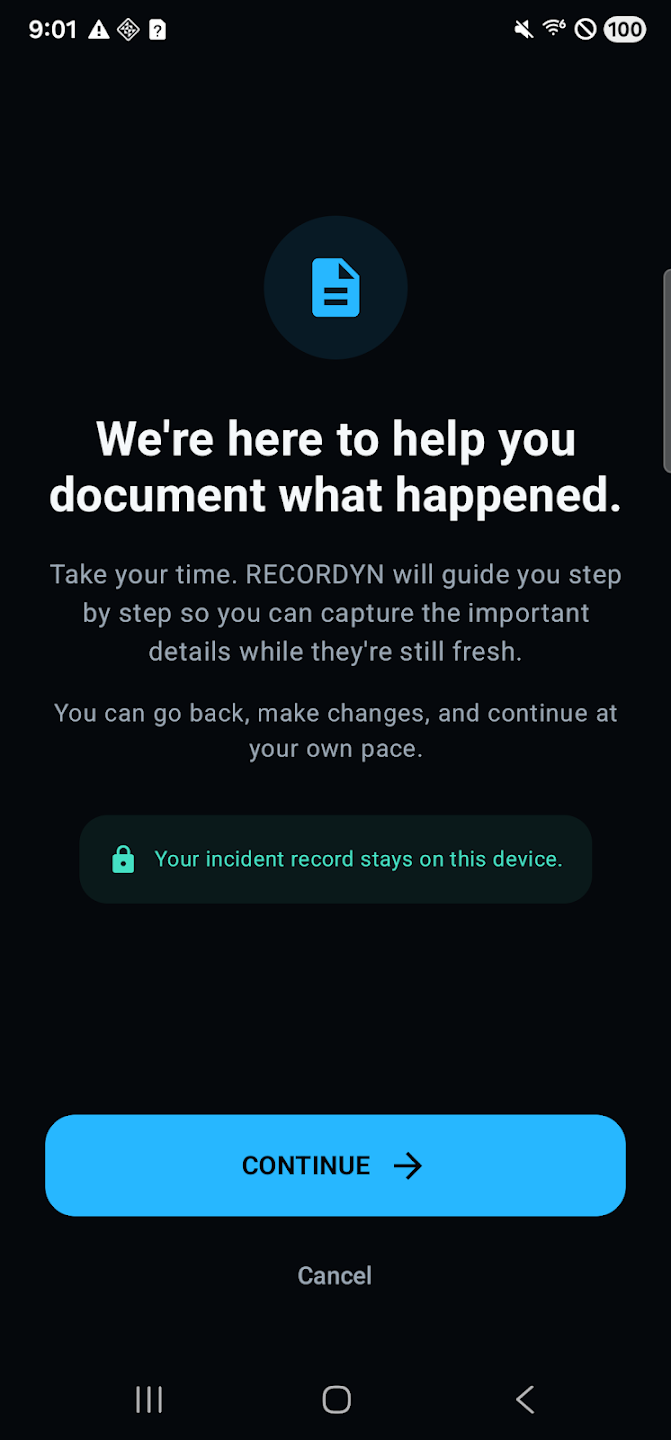
Guided Documentation
Step-by-step capture while details are fresh.
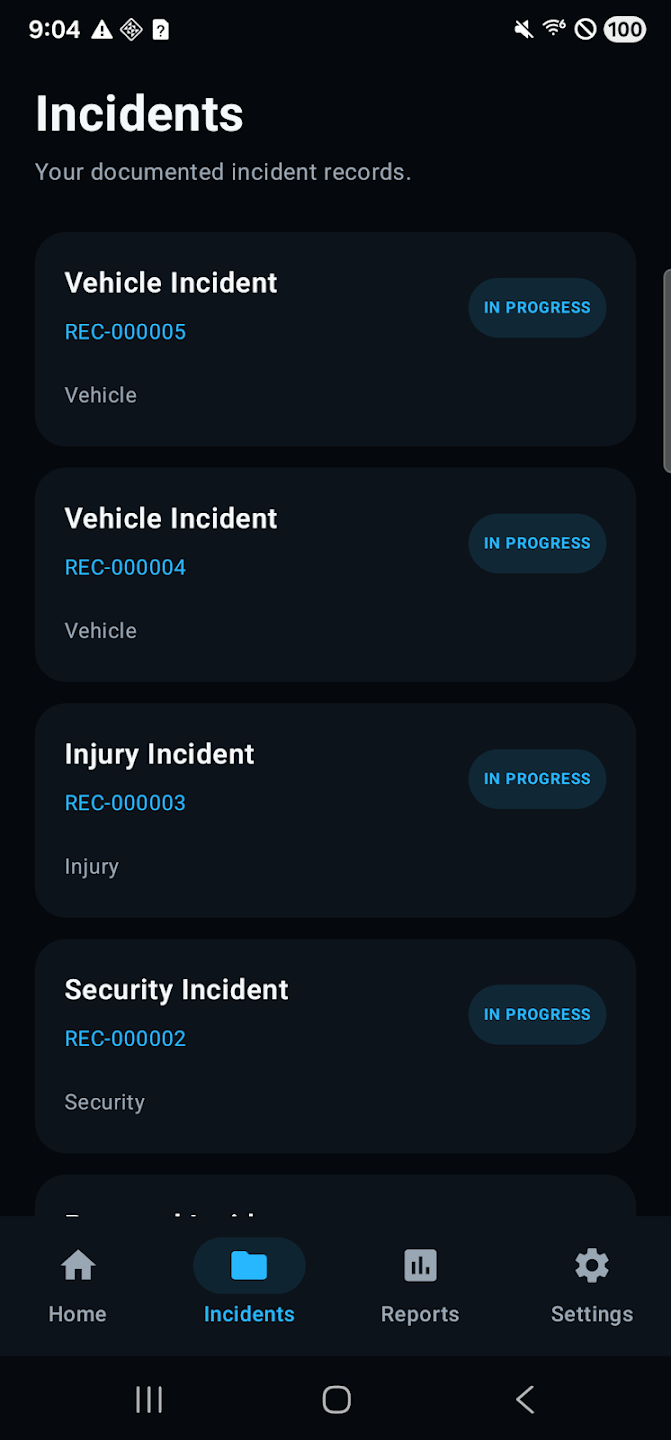
Incident Records
Every record organized with its own ID.
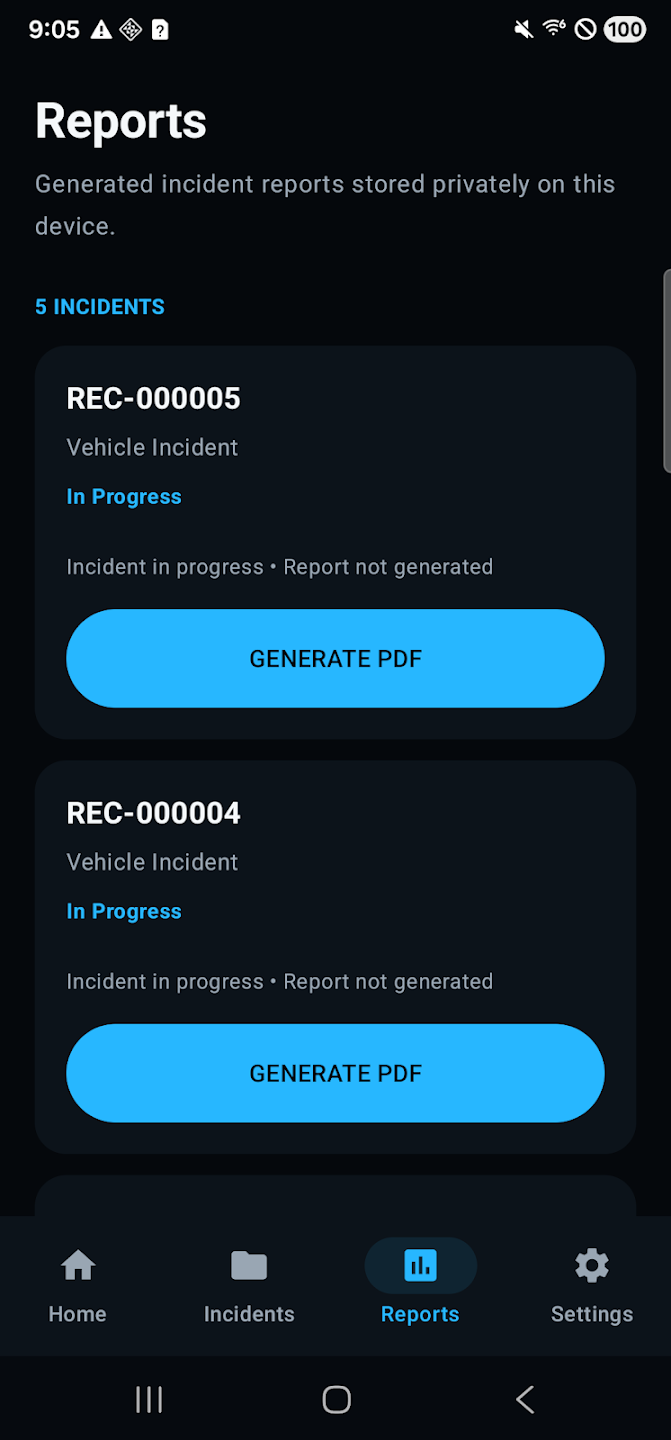
PDF Reports
Structured reports, generated privately on-device.
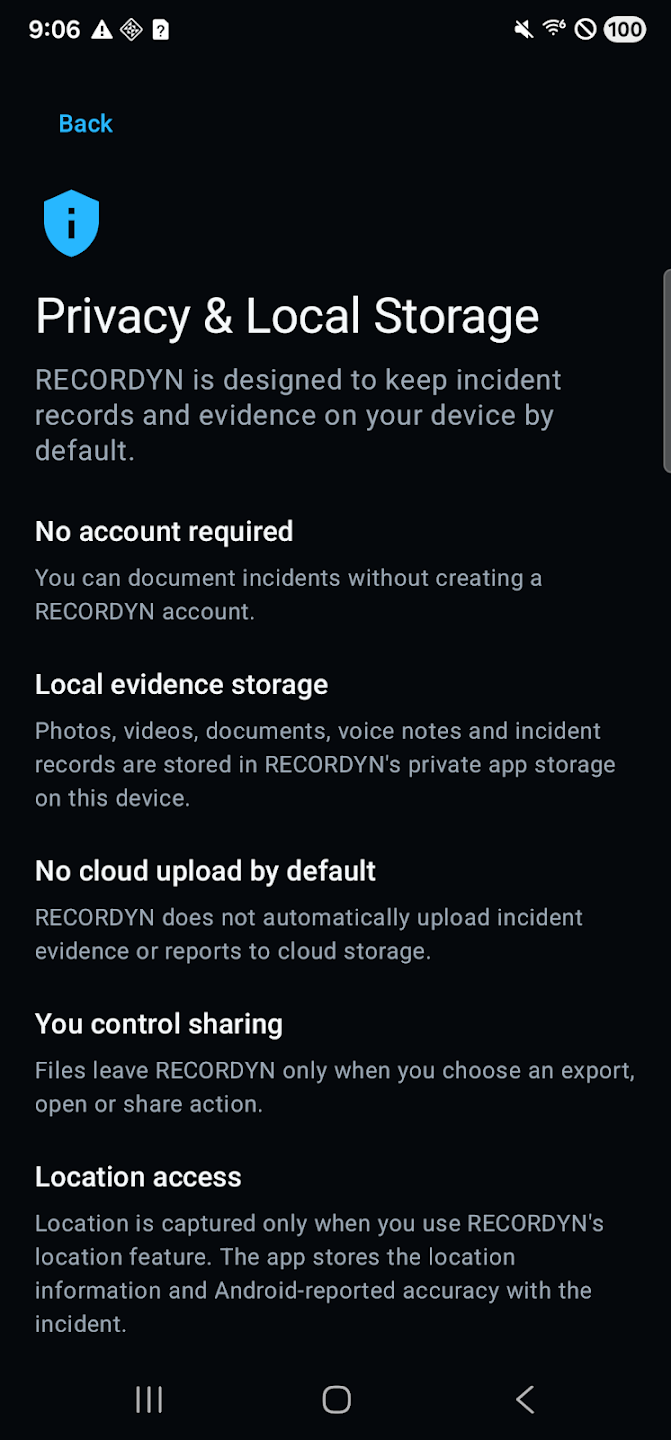
Local-First Privacy
No account. No cloud upload by default.
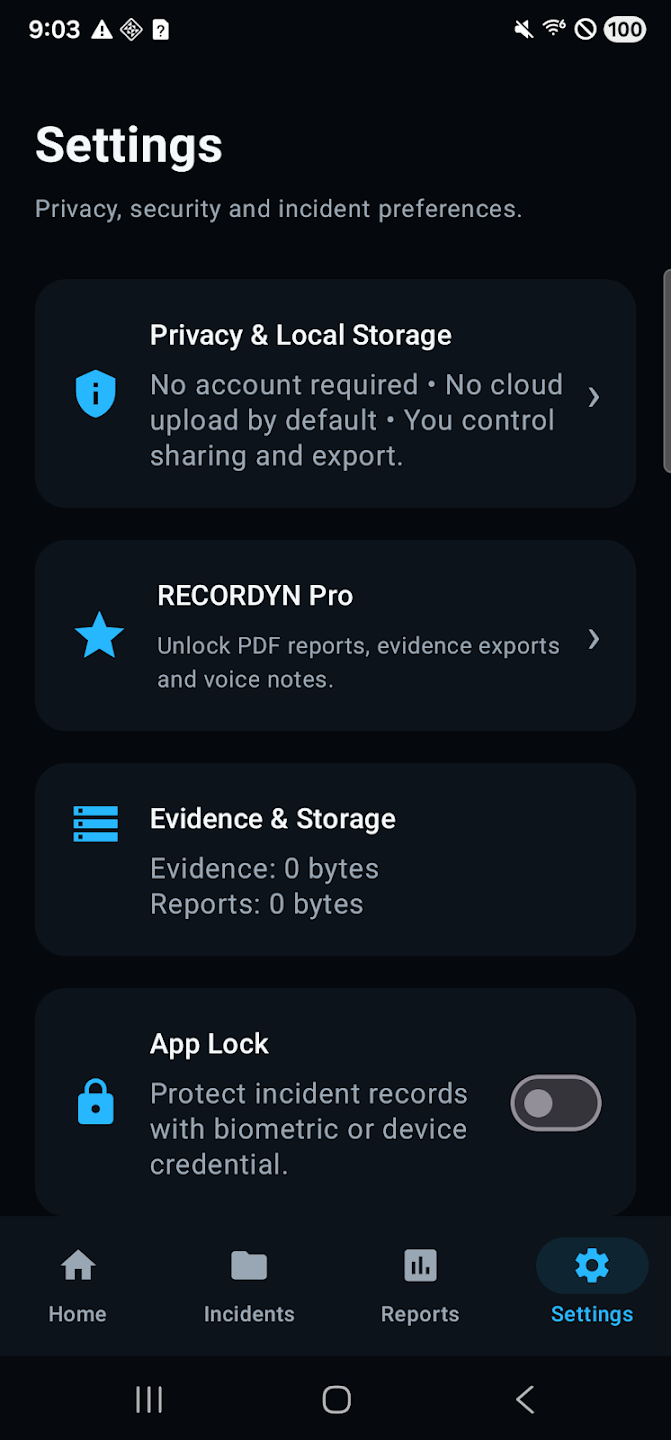
You're in Control
Pro features, storage overview, and app lock.
Important information
RECORDYN helps users organize and preserve incident information. It does not certify evidence, determine fault, provide legal advice, guarantee authenticity, or guarantee that evidence will be accepted by a court, insurer, employer, law-enforcement agency, or other organization.
File-integrity fingerprints are provided to help detect changes. They are not a legal certification or guarantee of admissibility.
Publisher & support
KING TRANSITION SERVICE LLC
Georgia, United States
Support: support@kingtransitionservice.com
Official website: kingtransitionservice.com